Skip to Content
Downloadable practical guide

Methods and tools to save 10 hours a month

A simple plan to win back time without hiring: centralize information, automate repetitive tasks and book meetings without email ping-pong. Fewer clicks, more impact, starting this month.

Did you know? According to an Asana study (Anatomy of Work), office workers spend 58% of their day on “work about work” (searching for information, chasing status updates, unnecessary emails) instead of the skilled work they were hired to do.

Source: Asana - Anatomy of Work Index

  • ✓
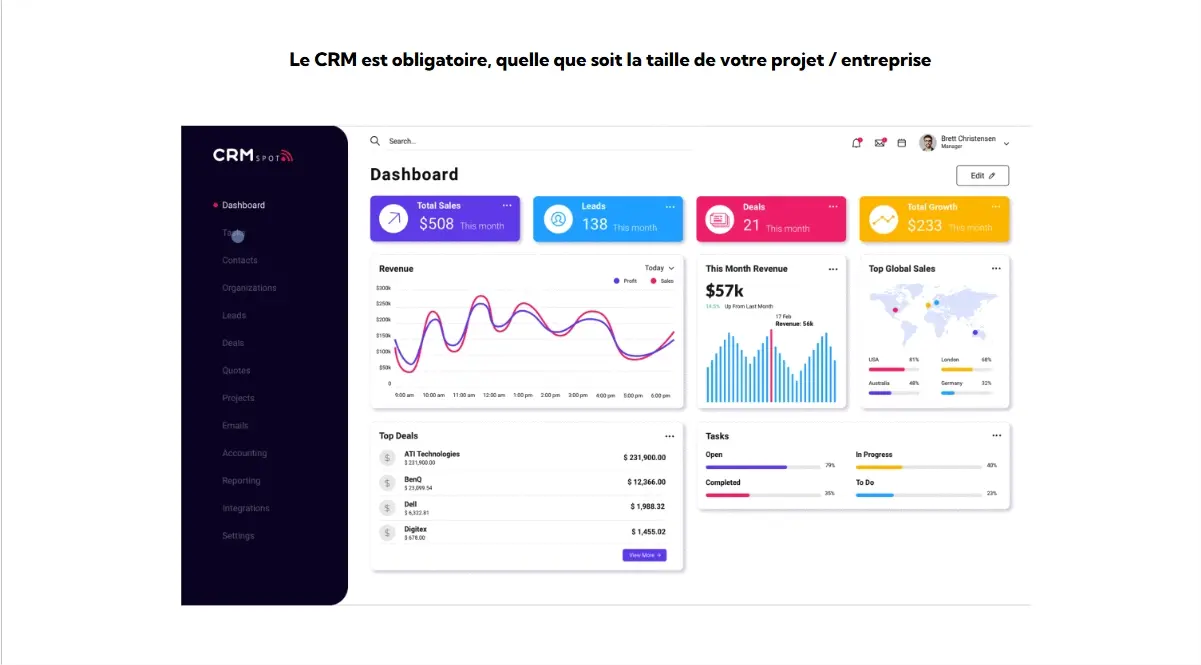
    One CRM: all your conversations and contacts in one place
  • ✓
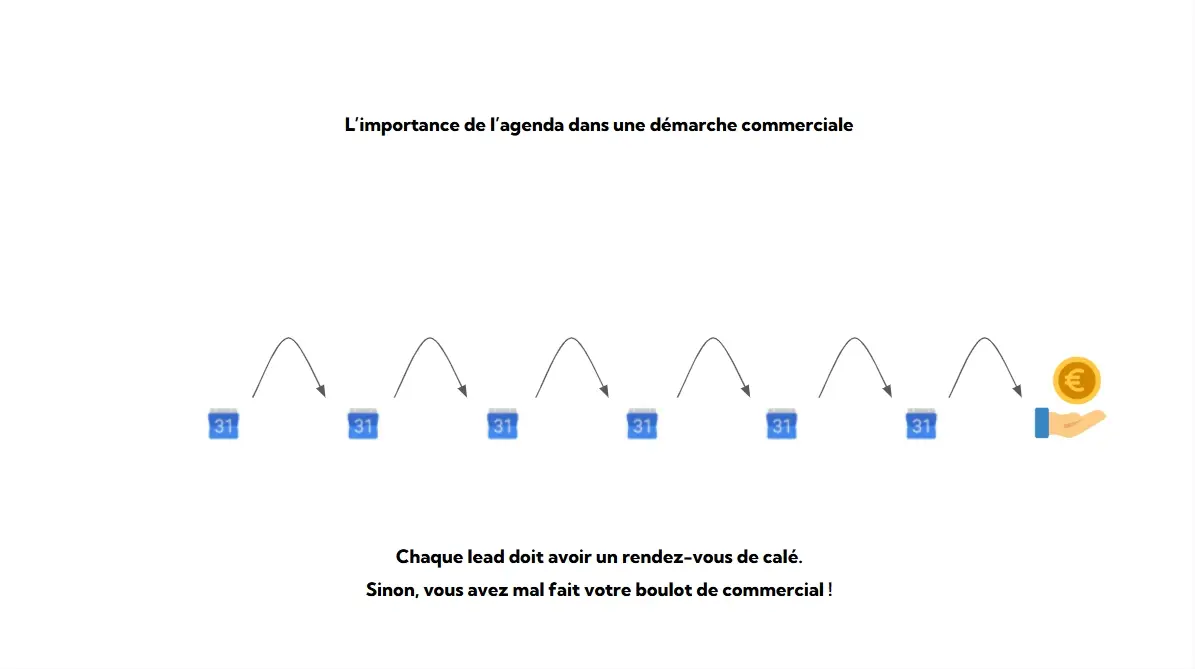
    Automatic appointment booking with reminders and a video call link
  • ✓
    Semi-automated invoicing and accounting (scanning, VAT, reconciliation)
  • ✓
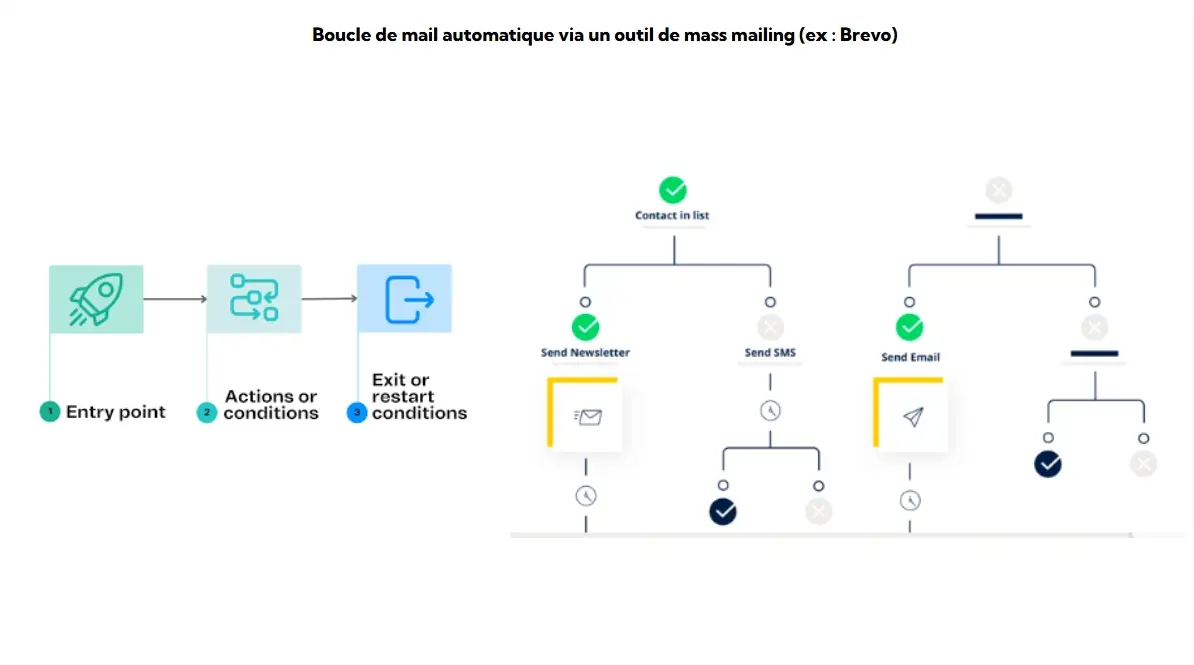
    Marketing automation: scheduled email sequences and lead tracking
  • ✓
    AI use cases: writing, summaries, template replies in 1 minute
Download the full guide ↓
Time-saving methods visual

In this guide

Part 1: EXTERNAL, customer relations and acquisition (CRM, connected calendar, smart emailing).

Part 2: INTERNAL, organization and automation (accounting, password manager, social media).

Part 3: ARTIFICIAL INTELLIGENCE, concrete use cases to save time (writing, summaries, template replies).

Conclusion: How to move from a pile of isolated tools to an efficient, unified information system.

Hunting down double entry

A McKinsey study found that about 45% of the activities people are paid to perform can be automated by adapting existing technologies. Invoicing, expense entry and bank reconciliation are among them.
Source: McKinsey Global Institute


If administrative efficiency is your priority, we invite you to discover how our integration of e-invoicing with Odoo can cut the time spent processing your quotes and invoices in half.

And to go even further in eliminating low-value tasks, take a look at our solutions for AI agents and automation for Odoo.

They put it into practice

Real feedback after implementing the methods and tools presented here.

Camille R.
Sales manager

“CRM + booking link + automatic follow-ups: I won back 6 hours a week on prospecting alone.”

Lucas M.
SME owner

“Semi-automated accounting with OCR and paperless invoices. We have eliminated all the month-end re-keying and the VAT errors.”

Sonia T.
Marketing

“Centralized social media planning: we prepare everything on Monday, publish everywhere in 10 minutes and reply from a single interface the rest of the week.”

🔗 Go further: Saved 10 hours this month on low-value tasks? Great! Reinvest that time in growing your sales. Find out how to convert quickly with a simple, effective sales pitch.
Get the full guide

Receive the guide by email, with the full list of tools and methods to apply.

Your address is used to send you this document. You can ask for it to be deleted at any time.

🔗 Go further: One of the use cases we cover in the guide is using AI to automate lead qualification and follow-up writing. If that interests you, explore in detail the impact of an AI expert to improve your sales.

Frequently asked questions (FAQ)

Short, concrete, actionable answers to make the most of your time.

Centralize contacts and conversations. No more digging through old inboxes. Create automatic tasks after each meeting and sync your emailing tool (newsletters) directly with your database.
A connected calendar (such as Calendly, or one built into an ERP) that generates booking links. The tool sets the date, sends the reminders and creates the video call link (Teams/Zoom). Tip: always create two types of links: “Prospect acquisition” (1 hour) and “Quick client check-in” (30 min).
Start with a “stay top of mind” email sequence (an email before/after the holidays, or follow-ups scheduled 3 and 10 days after a quote). Add web form capture linked to a sales notification to qualify leads effortlessly.
Choose a tool that offers smart scanning of receipts and invoices (OCR), a direct bank feed, automatic categorization rules and guided VAT return preparation. The goal is simple: zero re-keying.
The free version of a lightweight CRM, a connected calendar (Google Calendar or similar), an emailing tool on a basic plan (Mailchimp), a password manager (Bitwarden) and a well-organized shared storage space (Drive) are more than enough to get off to a clean start.
Use a business password manager with vaults shared by team (Admin, Marketing, Sales), combined with two-factor authentication. No more hackable Excel files and wasted time (“do you have the Canva login?”).
Use a centralized scheduling tool (Buffer, Hootsuite, or the dedicated Odoo app). Prepare your posts in a single 2-hour slot on Monday morning, schedule them for the week on LinkedIn, Facebook and Instagram, and reply to comments from a single interface.
Use AI for the “first draft”: drafts of tricky emails, summaries of long meetings, or article outlines. The secret to a good result is a tightly constrained prompt and a systematic human review. AI writes the draft, you add the finishing touches.
Set up an online form (accessible via a QR code at a trade show or on a tablet), include an explicit consent checkbox, ask for the bare minimum of fields, and automate the confirmation email.
Block out dedicated time slots (“timeboxing”): 1 “pure admin” slot (invoices, accounting), 1 “acquisition” slot (preparing email sequences), 1 “creation” slot (posts, content). Outside these slots, handle everything else asynchronously, without intrusive notifications.
Measure the average time spent per administrative task before and after, the drop in your no-show rate thanks to appointment reminders, the reduction in average customer payment time, and how fast support tickets get resolved.
Always favor the built-in integrations provided by the vendors. If that is not possible, use a no-code automation tool such as Zapier or Make. The goal is an unbroken flow: Form → CRM → Email sequence → Appointment booking → Invoice generation.