Optimize your purchasing, supply and supply chain with Odoo
Purchase management with Odoo isn't just about creating purchase orders. It links your sales, purchasing, inventory, supplier lead times and margins in a single ERP flow. No more double entry, parallel Excel spreadsheets or supply planning done blindly.

Why Excel slows down your purchasing, supplier orders and supply
When purchasing, sales and inventory don't communicate, the company does the work twice and loses reliability.
Lost links
No one knows for sure which supplier order matches which customer order or which stock need. Teams dig through files, emails or paper notes.
Distorted margins
Salespeople promise lead times without real visibility on supply. Theoretical stock becomes wrong and margins are inaccurate because purchase costs come through poorly or too late.
Excel dependency
As soon as a key person is away, control over supply collapses. Tracking of lead times, suppliers and imports relies on an unsecured “master” Excel file.
Link sales, purchasing and supply out of the box
With Odoo, a sales need or a stock need can automatically become a reliable, traceable purchase need your teams can act on.
- Replenishment can be automated with stock rules, reorder points or just-in-time flows.
- Supplier prices, lead times and purchase units are built in to make purchase orders reliable.
- Purchase costs flow into the ERP so you can better track margins, cost prices and supplier commitments.
The MTO (Make To Order) flow
This is a key lever for wholesale, distribution and made-to-order businesses. When a sales order is confirmed, Odoo can automatically generate the matching draft purchase order. The paper form or linking spreadsheet disappears, and traceability between sales and purchasing becomes built in.
🔗 Go further: If you don't just buy and resell but also transform materials, these supply flows are vital. Learn how to link the sales order, component purchasing and manufacturing launch on our dedicated page about Odoo for industry and manufacturing.

Import-export: track your international purchasing and supply from end to end
In import-export, you don't just track a purchase order. You also need to track logistics stages, inspections, shipping lead times, customs flows and gaps between theoretical stock and stock that is actually available.
🔗 Go further: An imported purchase only has value once it is properly received and traced in your warehouse. To ensure continuity between purchasing and logistics (scanners, barcodes, lots), dive into our guide on Odoo inventory management software.
Logistics stages
- • End of supplier production
- • Vessel departure (ETD) and estimated arrival (ETA)
- • Customs clearance
- • China → warehouse, transit or drop-shipping flows
Inspection and inventory
Odoo can distinguish between stock in transit, stock at sea and stock that is actually available. We can also model quality controls, inspections and receipt holds to secure your import flows.
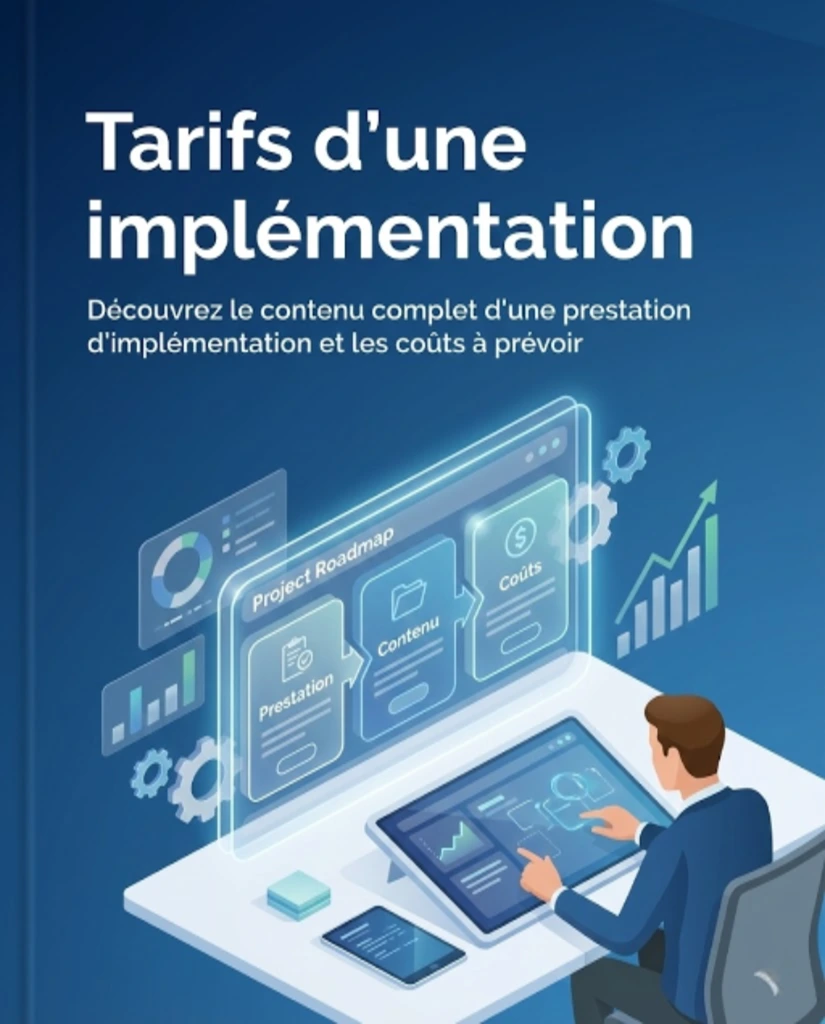
Estimate the cost of your IT project
See everything an Odoo implementation includes and the real costs to plan for your project.
Estimate the cost of your IT project
See everything an Odoo implementation includes and the real costs to plan for your project.
How long does it take to deploy purchase management with Odoo?
Based on our field experience, our scoping work and the most common levels of complexity.
Simple case
Connect sales and purchasing, eliminate manual copying, set up the basic rules and add supplier invoice OCR if needed.
Structured SME
More complex replenishment rules, multiple suppliers, MTO logic, links with logistics, inventory and accounting.
Import-export
Tracking of transit stages, inspections, shipping lead times and quality holds, and replacement of the master Excel file with gradual management in Odoo.
FAQ: purchasing, supply and suppliers with Odoo

Boost your growth with Odoo CRM
Stop letting prospects slip away. Request your strategic assessment, 100% free and tailored to your business.
By phone or video call, at a time that suits you.
Hors du Commun • Odoo integrator in Lyon
Odoo purchasing expertise • Supply • Import-export • Supply chain