Skip to Content
Practical guide to download

What to post on social media during a trade show? 14 content ideas

Simple formats to capture on site that show the energy of the show and make the most of your physical presence: short videos, useful photos, quick live streams and testimonials. Designed for LinkedIn, Instagram, TikTok and YouTube, with no professional equipment needed.

Did you know? According to a Hootsuite study, video posts generate 1,200% more shares than text and image posts combined. A trade show is the perfect opportunity to build up a stock of videos for the months ahead.

Source: Hootsuite - Social Media Video Statistics

  • ✓
    14 ready-to-use ideas, clearly explained
  • ✓
    Quick scripts to shoot at your booth (in 3 to 10 minutes)
  • ✓
    Sample hooks and captions for your posts
  • ✓
    Image rights and consent checklist
  • ✓
    A "Before / During / After" plan so you can post stress-free
Download the full guide ↓
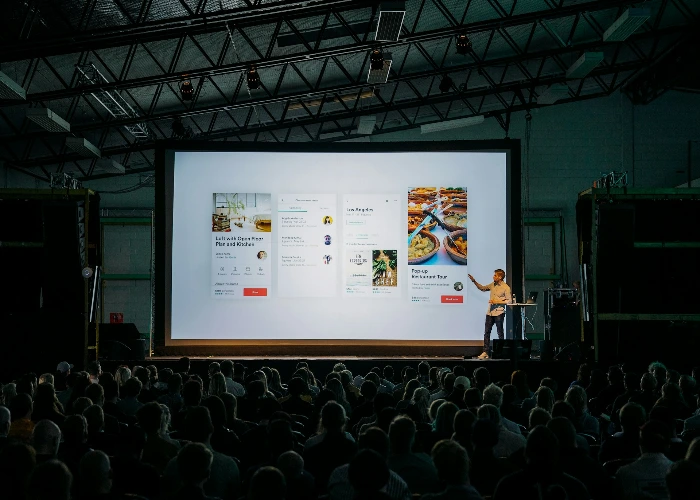
person discussing while standing in front of a large screen in front of people inside dim-lighted room

What's inside this guide

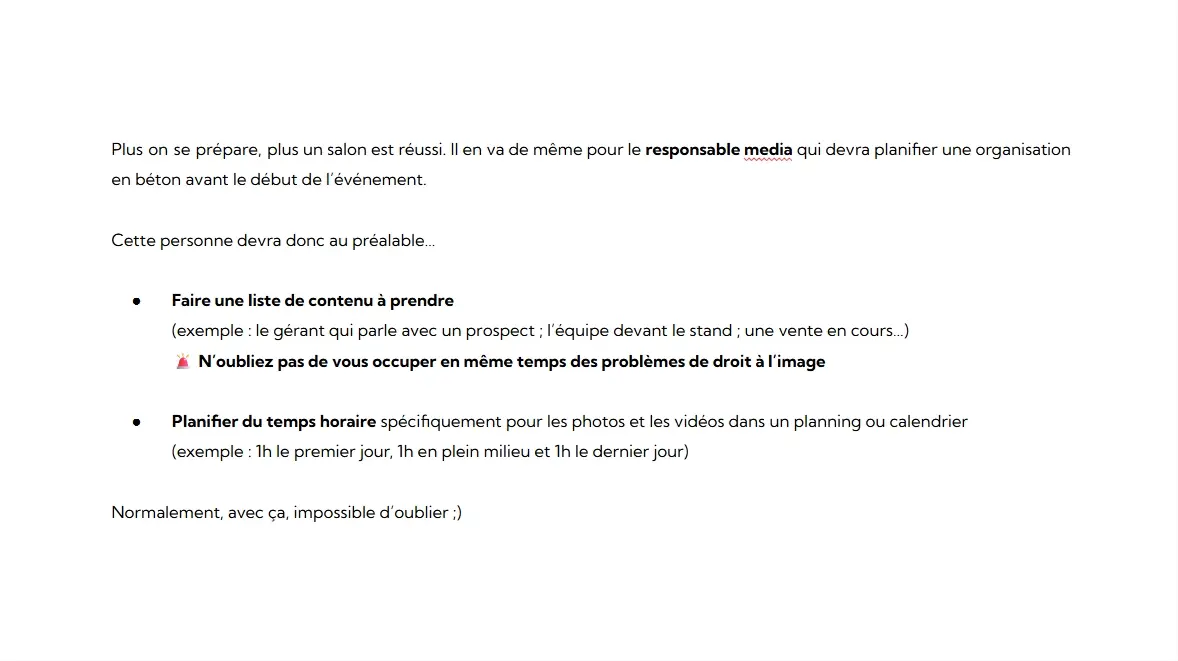
Chapter 1: Before the show: how to prepare your shot list without overloading the team.

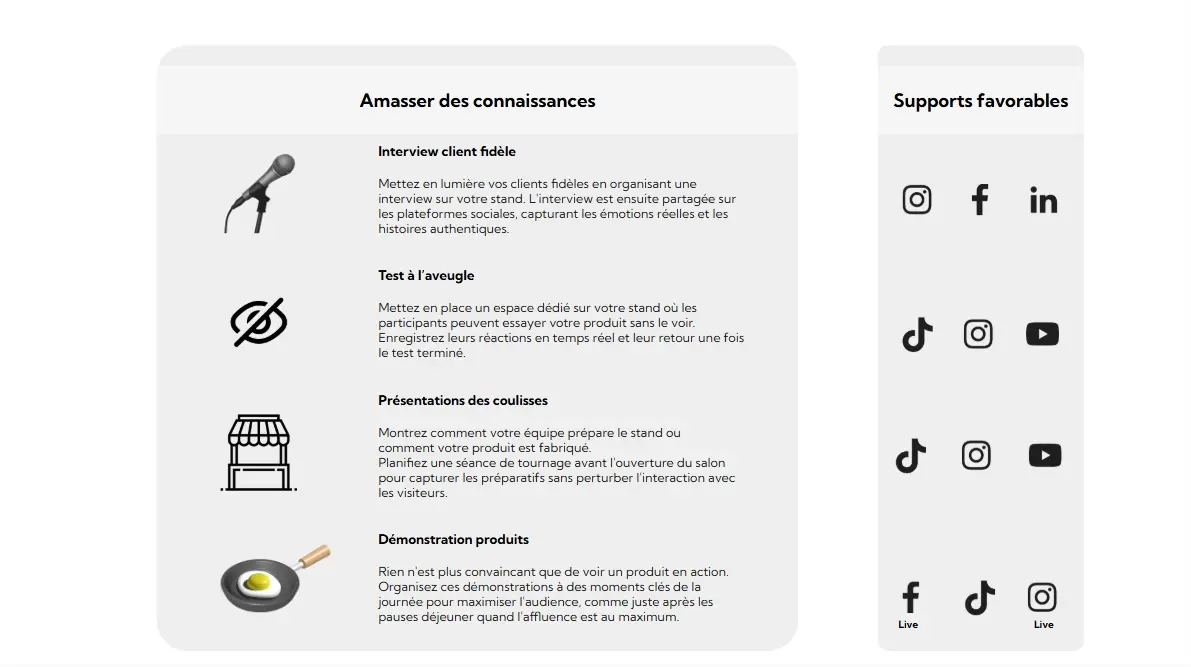
Chapter 2: During the show: 14 concrete, original formats that are easy to shoot right at the booth.

Chapter 3: After the show: sort, edit quickly and spread out your posts so you don't overwhelm your audiences.

Conclusion: From a simple "like" to a sales meeting: how to turn the interest your content generates into business.

🔗 Go further: Once the show is over, you need to keep up the pace! To structure your content strategy over the long term and never run out of inspiration again, check out the 3-step IRM method for creating high-impact content.

An aligned team creates better content

So that your sales reps don't see content creation at a trade show as a "chore", your booth organization has to be flawless. You need to know who is available to go on camera, and when.


If you want to organize your team on site, download our method for preparing your team for a trade show (The Winning Trio).

Finally, remember that all this video content has a limited lifespan on social media. Make your efforts last by hosting these videos on your website with our website builder built into the Odoo ERP.

They put it into practice

Real feedback after structuring their trade show content creation.

Camille R.
Sales Manager

“We shot 9 short videos in 2 days without tying up the sales team. The result: posts ready for the whole month and real inbound demo requests.”

Lucas M.
SME owner

“The ideas in the guide are simple and effective. A short 5-minute live + a post-show recap carousel: our meeting requests on LinkedIn shot up.”

Sonia T.
Marketing Director

“We finally have a clean library of photos and videos for the website and our future brochures. The ‘Before-During-After’ plan keeps us from missing key shots in the heat of the moment.”

🔗 Go further: Shooting videos at your booth is great... but you still need visitors to film! If you're looking for ideas to drive foot traffic on the big day, pick from our 26 techniques to draw attention to your trade show booth.

Get the full guide

Get the guide by email, with the 14 post ideas and the ready-to-shoot scripts.

Your address is used to send you this document. You can ask for it to be deleted at any time.

Frequently asked questions (FAQ)

Straight answers, no jargon, based on hands-on trade show experience.

Appoint a “media lead” from the team on site, block out 3 strict 45-minute slots and prepare a list of must-have shots in advance. With a recent smartphone and a wireless lavalier mic, you can already get very clean footage without tying up the booth.
A latest-generation smartphone, a wired lavalier mic (or a Bluetooth one such as DJI/Rode), a small, stable tripod and possibly a fill light (ring light). Remember: sound comes first. If the sound is good, the video is watchable even if the picture shakes a little.
Yes, with explicit consent. Display a clear notice at the booth saying that you are filming, ask for verbal consent on camera if you interview someone, and note the context. Avoid filming recognizable third parties in the background without permission.
Live (during the show): use stories, run very short mini-lives (ribbon cutting, demo), post the highlights or the team's arrival. Later (after the show): edit the interviews properly, create a recap carousel of the show's trends, or a 60-second video best-of. The goal is to avoid monopolizing the team during the rush.
A directional lavalier mic is a must. Stand with your back to the crowd (to blur the background), place the main light source facing the subject and shoot very short takes so you aren't interrupted by the show's PA announcements. If needed, find the press area or a quieter "lounge" area.
Instagram Reels / TikTok: dynamic, face-to-camera videos of 20 to 45 seconds, in portrait format (9:16). LinkedIn: subtitled videos (crucial!), text posts with a great team photo, and PDF carousels. YouTube Shorts: punchy 15- to 60-second clips. The same initial shoot can feed all these channels at the editing stage.
Assign simple, fun roles: 1 person frames the shot with the phone, 1 person answers the question (interview format), 1 person prompts again if the interviewee hesitates. Prepare 5 standard questions in advance and print a mini bingo card of “B-roll shots to capture” (a smile, a handshake, a product detail).
Ask only for what is strictly necessary (first name, job title), explain clearly how it will be used (e.g. "It's for our LinkedIn page tomorrow"), keep proof of consent (a simple "Yes, I agree to LinkedIn" recorded at the start of the video is often enough), and provide a way to withdraw consent.
Don't just look at "likes". Track engagement metrics (video completion rate), clicks on related links (to your website), the number of new demo requests and the meetings actually booked.
Shoot short (don't leave the camera running for 15 minutes). Name your files right away. Use apps like CapCut or software with built-in AI auto-captioning (essential for professional networks). Finally, "batch" your editing: process your 5 videos in one go instead of coming back to them every day.
Don't panic. Post an illustrated debrief after the fact: share a few photos of the booth (even empty or during setup), tell the behind-the-scenes story and the surprises, or write a text post listing “the 3 lessons we learned at this show.” Authenticity always works very well on LinkedIn.
Yes, that's the whole point! The images can illustrate your recap blog posts, your upcoming company newsletters and the "Case study" pages on your website. The same content captured in 48 hours should feed your acquisition channels for several months.